
Asiga Composer updates are essential for keeping the machines running at top performance since they include bug fixes and compatibility with the latest accessories and materials. If there are accessories such as the Crown Kit that are not appearing in the tray menu in Build Properties, then an update will solve this problem.
To view the version of your Asiga Composer installation, go to the Help tab and select ‘About’. To find the newest version and update, download the latest installer by navigating to the following page on the Asiga website:
Login at https://myaccount.asiga.com/accounts/software/.
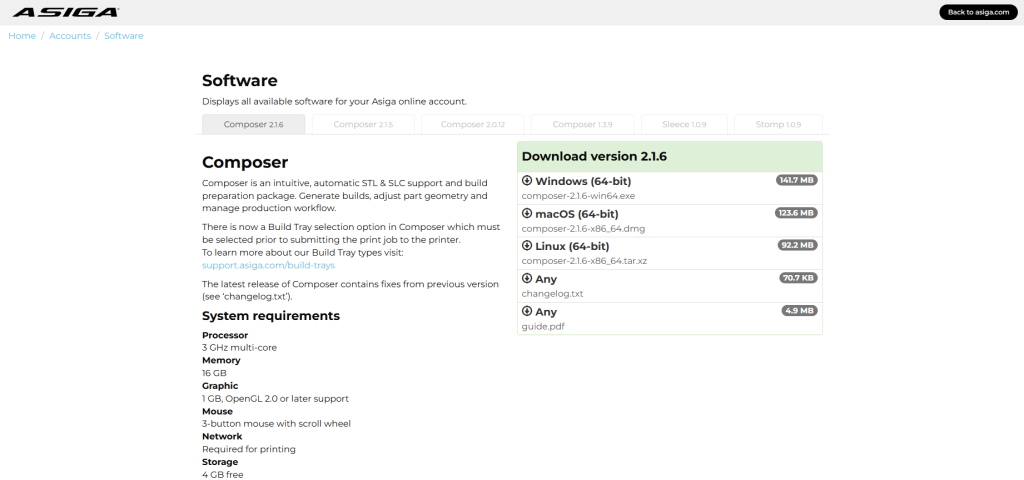
Select the latest version of Composer for your operating system, then download and run the installer for your operating system.
This will update Asiga Composer to the latest version. If this does not solve the technical problem, then try installing a machine firmware update. Otherwise, contact support.