
The firmware on Asiga machines receive regular updates to fix bugs and improve performance. When Asiga printers and cure units have compatibility issues with accessories and materials, it is a good idea to update the machine firmware before trying other solutions.
Download the Latest Asiga Machine Firmware
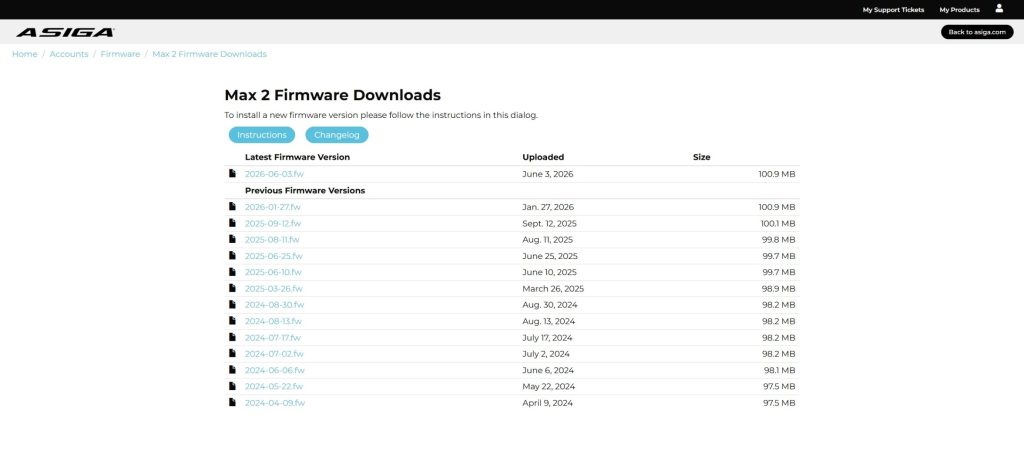
Login at https://myaccount.asiga.com/accounts/firmware/.

Select the machine you want to update, then download the latest firmware file (.fw).
Upload the Firmware file to the Machine
Turn the machine on and open its web interface.
Go to the ‘firmware’ tab and upload the .fw file by clicking “Choose File”, then clicking the “Upload” button.

Next, go to the “Front panel” tab. Select System, firmware version, select upgrade. When prompted, restart the machine.
After this process, the Asiga machine will have the latest update. Also make sure to update Asiga Composer to minimise software errors.