
Asiga Composer is the software used to load objects on the Asiga printers, and send material-specific cure profiles to Asiga Cure. After receiving an Asiga machine, follow these steps to install Composer:
Login with your Asiga account at https://myaccount.asiga.com. In the “My Products” tab, click on “Software”. This will direct you to the software downloads page if your printer is already registered. Otherwise, register your printer first, then try again.
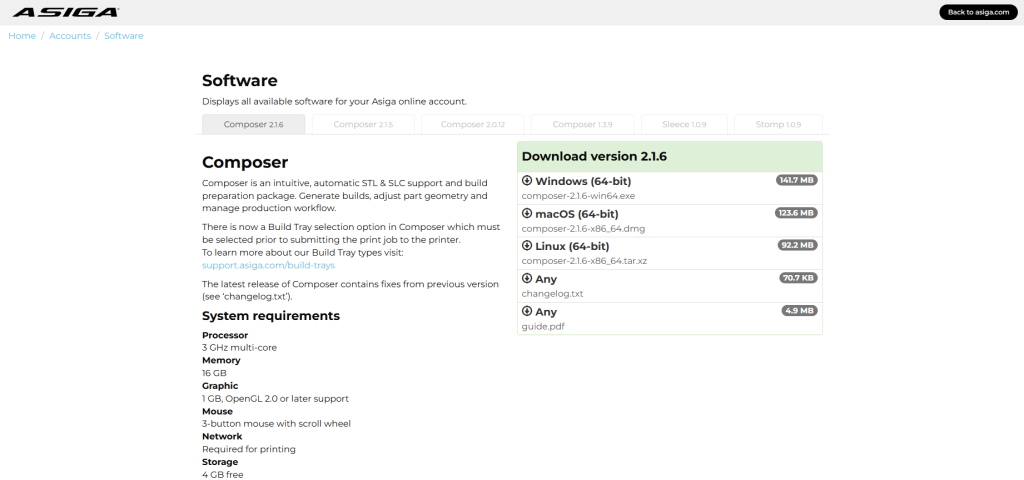
Download and run the installer for the latest Asiga Composer version for your operating system. Windows, Mac and Linux versions are available.
Follow the install prompts, then Composer will be ready. Read this article to get started with your first print job.